How to Use

Learn the fastest way to search places, change map layers, and manage the Earth widget.

Steps

Everything you need to start using the extension in under a minute.

1

Open the Earth Widget

Click the extension button on the page to open the Earth panel.
2

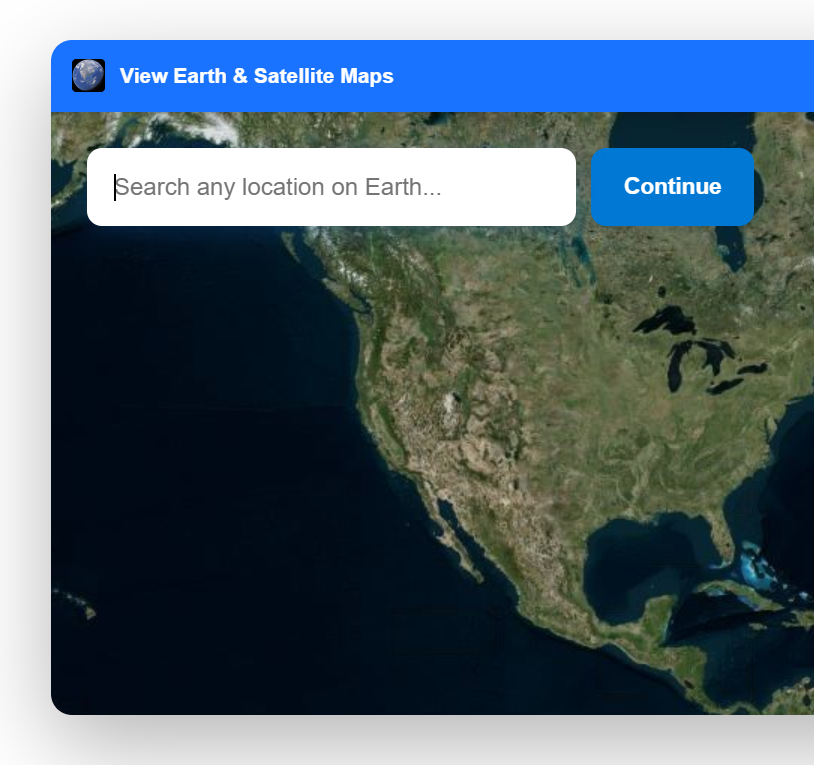
Start Typing Any Place on Earth

Use the search box to begin entering a city, address, landmark, or country.

Search box in the Earth widget
3

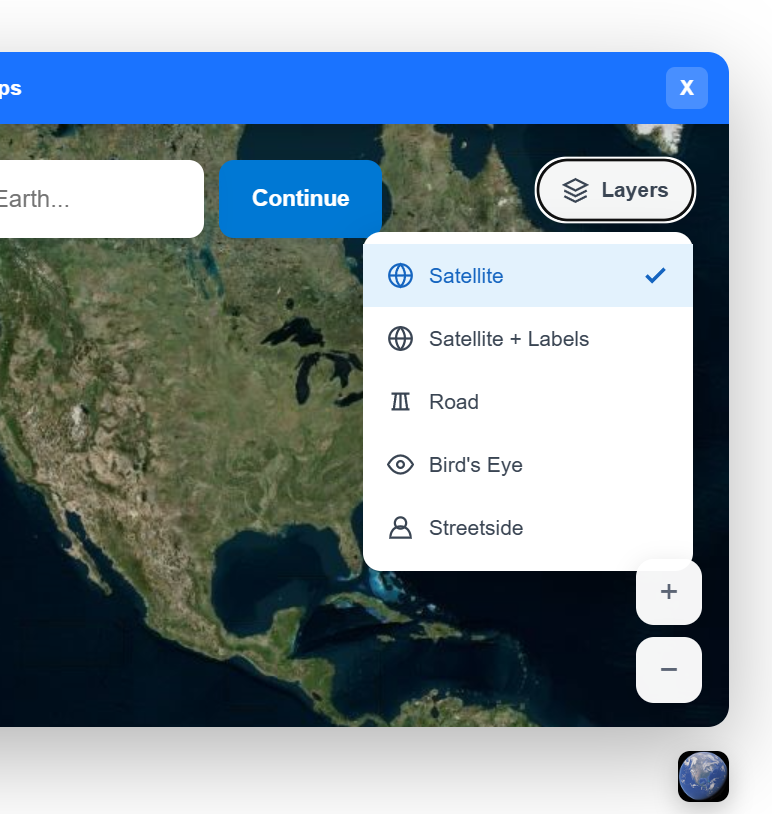
Select a Map Layer

Open Layers to choose Satellite, Satellite + Labels, Road, Bird's Eye, or Streetside.

Layers menu with map view options
4

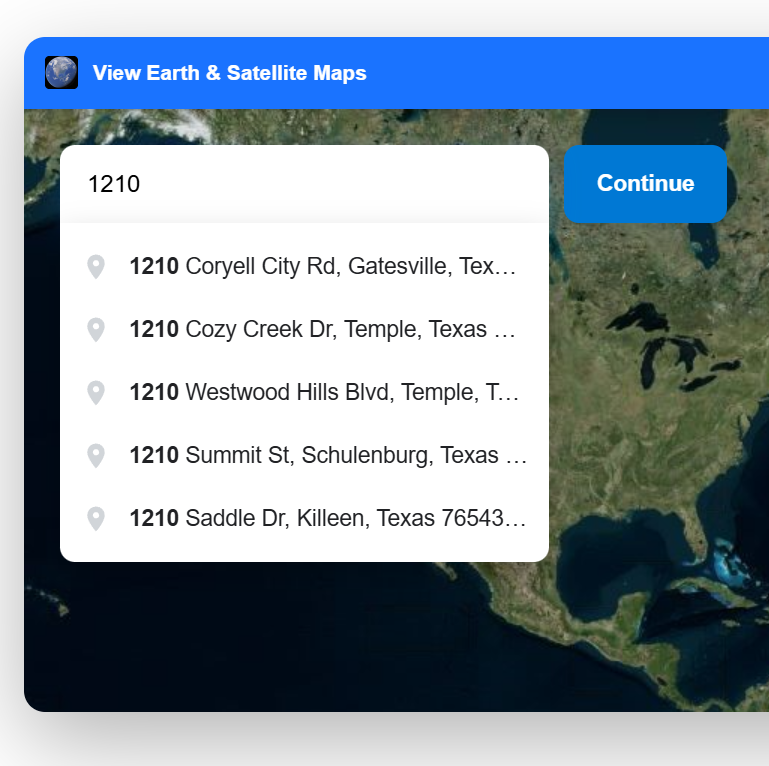
Choose from Autocomplete Suggestions

As you type, pick a suggested result to jump directly to the exact location.

Autocomplete suggestions while typing a location
5

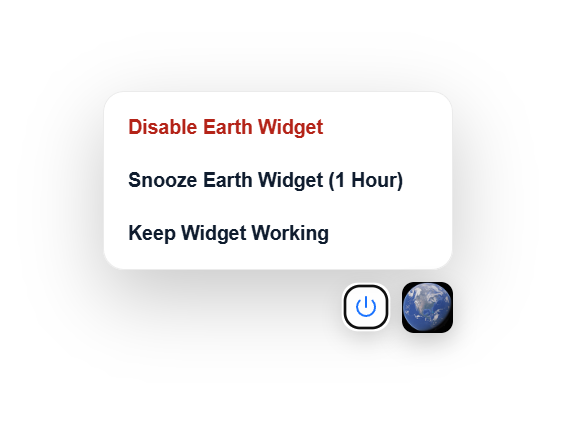
Manage the Extension

Use the power menu to disable the widget, snooze it for 1 hour, or keep it active.

Extension management menu with power options